

 WINDOWS
 Office
 Windows Server
 Antivirus
 Utilities
 Professional Software
 PACKS
PACKS
- On sale!
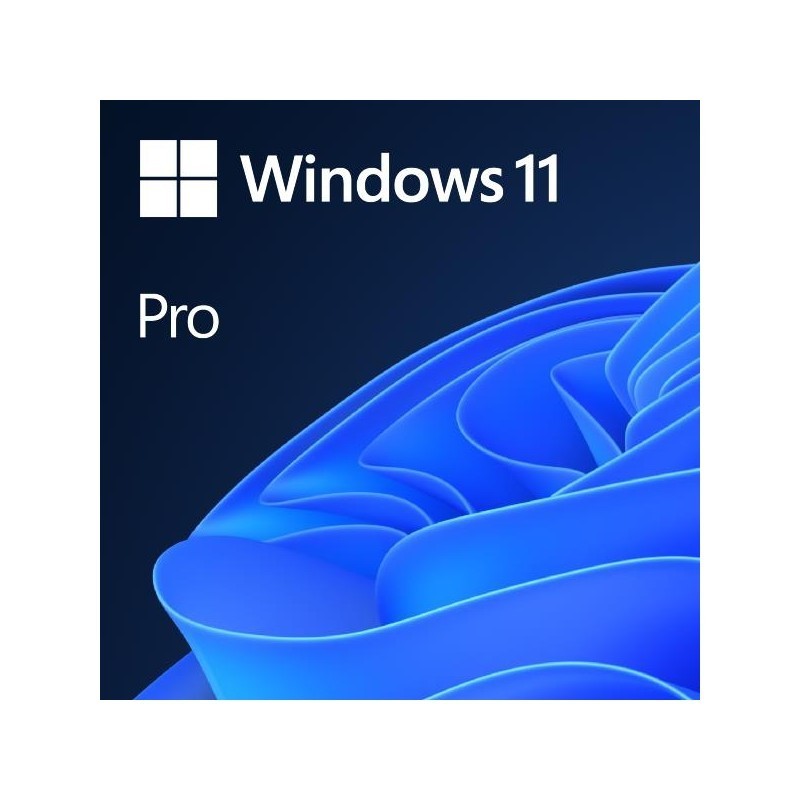
Genuine, permanent Windows 11 Pro license for 1 PC: you receive an authentic Microsoft Product Key by email instantly. Includes every professional feature —BitLocker, Remote Desktop, Hyper-V and domain join— that the Home edition lacks. One-time payment, no subscription.
1 key = 1 PC Instant email delivery One-time payment Lifetime guarantee
La Tienda de las Licencias · Genuine, legally resold software license · Lifetime guarantee · Instant email delivery · USD, GBP, EUR, KES, NGN.
Windows 11 Pro is the professional edition of Microsoft's operating system. It includes everything in Windows 11 Home plus a complete set of security, management and productivity tools designed for professionals, businesses and advanced users.
| Pro-exclusive feature | What it does |
|---|---|
| BitLocker | Full-disk encryption. If your laptop is lost or stolen, nobody can access your data |
| Remote Desktop (host) | Connect to your PC from anywhere. Pro can receive remote connections (Home can only connect to others) |
| Hyper-V | Native virtual machines. Run other operating systems (Linux, Windows Server) inside Windows |
| Domain join (Active Directory) | Connect the PC to a company server. Essential in corporate environments with Active Directory |
| Group Policy (GPO) | Centralised configuration control. IT administrators manage multiple devices from a single point |
| Windows Sandbox | Isolated environment to test suspicious software without any risk to your main system |
| Windows Information Protection | Separates personal data from corporate data. Prevents leaks of business information |
| Defer updates | Control when Windows updates are installed. Avoid unexpected restarts during work |
This is the most common question. The answer is straightforward: if you use your PC for work, business or development, you need Pro. If it is strictly for basic personal use, Home may be enough.
| Feature | Pro | Home |
|---|---|---|
| Windows 11 interface, Snap Layouts, Widgets | YES | YES |
| BitLocker (full-disk encryption) | YES | NO |
| Remote Desktop (host) | YES | NO |
| Hyper-V (virtual machines) | YES | NO |
| Domain join / Active Directory | YES | NO |
| Group Policy (GPO) | YES | NO |
| Windows Sandbox | YES | NO |
| Defer updates | YES | NO |
| Maximum RAM supported | 2 TB | 128 GB |
| Official Microsoft price | $259 USD | $139 USD |
Our recommendation: If there is any chance you will need BitLocker, Remote Desktop, Hyper-V or the ability to join a company domain, choose Pro. The price difference in our store is minimal, and upgrading from Home to Pro later means buying a new licence. Better to start with Pro.
| Requirement | Specification |
|---|---|
| Processor | 1 GHz or faster, 2 or more cores, 64-bit compatible (Intel 8th gen+ / AMD Ryzen 2000+) |
| RAM | 4 GB minimum (8 GB+ recommended) |
| Storage | 64 GB minimum |
| TPM | TPM 2.0 (most PCs manufactured since 2018 include it) |
| Secure Boot | UEFI firmware with Secure Boot capability |
| Display | HD (720p), diagonal greater than 9 inches |
| Graphics | DirectX 12 / WDDM 2.0 compatible |
The entire process takes less than 30 minutes:
Add the product to your cart, complete payment and receive your genuine Microsoft Product Key by email within minutes. We accept credit/debit cards and PayPal worldwide. We also accept local payment methods in 30+ countries: M-Pesa and Airtel Money in Kenya, GoPay, OVO, DANA, bank transfer and virtual account in Indonesia, FPX online banking and e-wallets in Malaysia, bank transfer and cards in Nigeria, and card or PayPal in the United Kingdom.
Download the official ISO from the Microsoft download page (microsoft.com/software-download/windows11) or use the Media Creation Tool to create a bootable USB drive. We also include direct download links in your delivery email.
You have two options: clean installation (boot from USB, full format) or in-place upgrade from Windows 10 (keeps your files and programmes). During installation, when the system asks for a Product Key, enter the key you received by email.
If you did not enter the key during installation, go to Settings > System > Activation > Change product key and enter your Product Key. Activation is online and instant. Once activated, Windows 11 Pro remains permanently active on your PC. It does not expire and does not need renewal.
If you also need Office, buying the Windows + Office bundle is the smartest option: you get 30% off compared to buying them separately.
| Bundle | What is included | Advantage |
|---|---|---|
| Windows 11 Pro + Office 2024 Pro Plus | Operating system + complete office suite (Word, Excel, PowerPoint, Outlook, Access, OneNote) | 30% savings vs. buying separately |
| Windows 11 Pro + Office 2021 Pro Plus | Operating system + Office 2021 (lowest price) | Most affordable option for Windows + Office |
| Windows 11 Pro + Office 2019 Pro Plus | Operating system + Office 2019 | 30% savings with classic Office |
If you are currently running Windows 10, you can upgrade to Windows 11 Pro without losing your files, programmes or settings. The process is simple:
From Windows 10 Home: Purchase this Windows 11 Pro licence, go to Settings > System > Activation > Change product key, enter the Product Key and Windows will upgrade automatically to Windows 11 Pro.
From Windows 10 Pro: Purchase this licence, use the Microsoft upgrade tool or the ISO to move to Windows 11. Your new Product Key activates the Pro edition automatically.
IT companies and computer shops: If you deploy machines for your clients and need Windows 11 Pro licences regularly, our reseller programme offers 20% off Windows and Office, and 30% off Windows Server and SQL Server. Buy in bulk with an official invoice and no minimum order.
IT departments: If you need to regularise licences ahead of a Microsoft compliance audit, our licences include an official invoice documenting the legitimate purchase, backed by the EU Court of Justice ruling C-128/11.
Yes. The Court of Justice of the European Union ruling C-128/11 (UsedSoft v. Oracle, July 2012) established that reselling software licences is legal in the EU provided the original purchaser has deactivated their copy. La Tienda de las Licencias is a registered Spanish company operating under this legal framework, issuing official invoices and offering a lifetime guarantee on all licences.
No. It is a permanent licence. Once activated, Windows 11 Pro stays active on your PC indefinitely. There are no recurring payments, no renewals and no expiry date.
Pro includes everything in Home plus BitLocker (full-disk encryption), Remote Desktop as host, Hyper-V (virtual machines), domain join with Active Directory, Group Policy (GPO), Windows Sandbox and the ability to defer updates. If you use your PC for work or business, Pro is the recommended edition.
Yes. You can upgrade from Windows 10 Home or Pro without losing your files or programmes. Your PC needs to meet the Windows 11 hardware requirements (compatible processor, TPM 2.0, Secure Boot). You can check compatibility with Microsoft's free PC Health Check tool.
This licence is for 1 PC. If you need licences for multiple computers, you can buy several individual licences or contact us for volume pricing through our reseller programme.
Delivery is 100% digital and instant. Once payment is confirmed, you receive an email with your genuine Microsoft Product Key and instructions to download and install Windows 11 Pro. There is no physical shipment — it works exactly the same whether you are in the UK, Kenya, Nigeria, Indonesia, Malaysia or anywhere else.
Yes. Microsoft will end support for Windows 10 on 14 October 2025. After that date, Windows 10 will continue to work but will stop receiving security updates, leaving your PC exposed to vulnerabilities. If your hardware is compatible, upgrading to Windows 11 Pro is the recommended course of action.
Yes. We accept local payment methods in 30+ countries. In Kenya you can pay with M-Pesa, Airtel Money or card (KES). In Nigeria with bank transfer or card (NGN). In Indonesia with GoPay, OVO, DANA, bank transfer or virtual account (IDR). In Malaysia with FPX online banking, e-wallets or card (MYR). In the United Kingdom with credit/debit card or PayPal (GBP). Prices are shown in your local currency automatically.
There is no physical shipment needed. All our licences are delivered digitally by email within minutes of payment confirmation. UK customers pay in GBP with credit/debit card or PayPal and receive their Product Key instantly — exactly like buying from any other online store.
Yes. For IT companies, computer shops and resellers we offer a 20% discount on Windows and Office through our reseller programme, plus 30% off Windows Server and SQL Server. Available to resellers worldwide. Register at distribuidores.latiendadelaslicencias.com.
Specific References
Genuine, permanent Windows 11 Pro license for 1 PC: you receive an authentic Microsoft Product Key by email instantly. Includes every professional feature —BitLocker, Remote Desktop, Hyper-V and domain join— that the Home edition lacks. One-time payment, no subscription.
1 key = 1 PC Instant email delivery One-time payment Lifetime guarantee
La Tienda de las Licencias · Genuine, legally resold software license · Lifetime guarantee · Instant email delivery · USD, GBP, EUR, KES, NGN.
