


 WINDOWS
 Office
 Windows Server
 Antivirus
 Utilities
 Professional Software
 PACKS
 Plantillas Excel
- On sale!
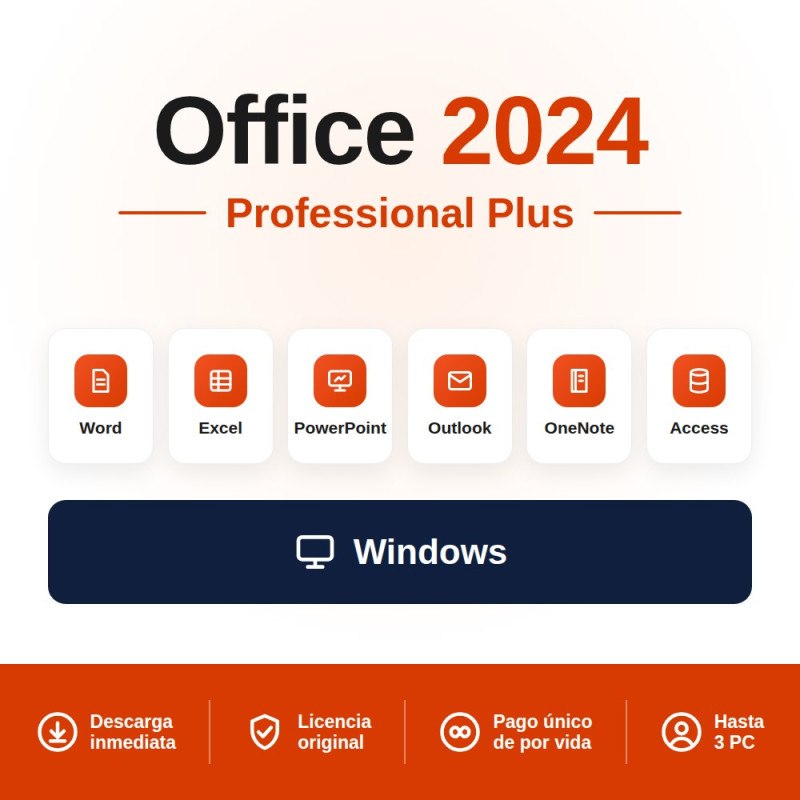
Office 2024 Professional Plus for 3 PCs: one key to equip 3 Windows computers with the full Office suite (Word, Excel, PowerPoint, Outlook, Access and OneNote). One-time payment, no subscription, with official support until October 2029.
1 key = 3 Windows PCs Includes Access One-time payment Instant email delivery
Rated 9.8/10 on eKomi (Gold seal) · Spanish company · Genuine, legally resold license · Lifetime guarantee.
It is a one-time payment licence that allows you to install the complete Office 2024 Professional Plus suite on 3 Windows computers with a single product key. Includes Word, Excel, PowerPoint, Outlook, Access, OneNote and Teams. No subscription, no monthly payments and no expiry date.
Microsoft provides security updates until October 2029. Once installed, the software is yours permanently. If you need to equip several workstations, this licence is the most cost-effective way to do it: a single purchase covers 3 complete machines.
| Application | Main features |
|---|---|
| Word | Word processor: documents, reports, contracts, letters |
| Excel | Spreadsheets: formulae, pivot tables, data analysis, charts |
| PowerPoint | Presentations: slides, animations, professional templates |
| Outlook | Professional email: calendar, contacts, tasks, inbox rules |
| Access | Database: forms, queries, reports, internal applications |
| OneNote | Digital notebook: notes, organisation, clippings, shared notebooks |
| Teams | Communication: video calls, chat, team channels, collaboration |
Note: Access are only available on Windows. There are no macOS versions of these applications. If you need Office for Mac, see Office 2024 Standard (compatible with Windows and macOS).
| Feature | Pro Plus 3 PCs | Pro Plus 1 PC | Standard |
|---|---|---|---|
| PCs included | 3 PCs | 1 PC | 1 PC or Mac |
| Word, Excel, PowerPoint, Outlook | Yes | Yes | Yes |
| Access | Yes | Yes | No |
| Teams | Yes | Yes | No |
| macOS compatible | No (Windows only) | No (Windows only) | Yes (Windows and Mac) |
| Security support | Until October 2029 | Until October 2029 | Until October 2029 |
| Ideal for | Offices or families with 3 Windows PCs | A single Windows PC | Mac users or those who do not need Access |
Practical rule: if all 3 machines run Windows and you need Access or Teams → Pro Plus for 3 PCs (this licence). If any device is a Mac → Office 2024 Standard per device.
| Feature | Office 2024 Pro Plus 3 PCs | Microsoft 365 Family |
|---|---|---|
| Payment model | One-time payment, yours permanently | Annual subscription |
| Devices | 3 Windows PCs | Up to 6 PCs/Macs + mobile |
| Version upgrades | No (remains Office 2024) | Yes (always the latest version) |
| Cloud storage | Not included | 1 TB OneDrive per person |
| Copilot (AI) | Not included | Included |
| Ideal for | Those who prefer to pay once with no ongoing subscription | Families or teams needing cloud storage and the latest features |
Prefer a subscription with cloud storage and Copilot? See Microsoft 365 Family (up to 6 devices).
The 3-PC licence is designed for anyone who needs complete Office on multiple machines without purchasing three individual licences:
| Scenario | Example |
|---|---|
| Small office | 3 workstations that need Word, Excel, Outlook and Access |
| Family | Work laptop + home PC + student laptop |
| IT technician / freelancer | Install Office on client machines without purchasing 3 separate licences |
| Self-employed with multiple devices | Desktop + laptop + backup machine |
| Component | Minimum requirement |
|---|---|
| Operating system | Windows 10 or Windows 11 (any edition) |
| Processor | 1.1 GHz, 2 cores |
| RAM | 4 GB |
| Storage | 4 GB available |
| Display | 1280 × 768 pixels |
Important: this licence is Windows only. It is not compatible with macOS. If you need to install Office on a Mac, the correct option is Office 2024 Standard, which works on both Windows and macOS.
After purchase you will receive your Product Key by email instantly. The installation process is the same on each PC:
| Step | Action |
|---|---|
| 1. Download | Use the download link included in the email or download from office.com/setup. |
| 2. Install | Run the installer and wait for it to complete. Installation takes approximately 5–10 minutes depending on your connection speed. |
| 3. Activate | Open any Office application (Word, Excel, etc.) and enter your Product Key when prompted. Repeat on the other 2 PCs. |
Tip: if you also need Windows, save with the Windows 11 Pro + Office 2024 Pro Plus bundle.
If you set up computers for your clients, the La Tienda de las Licencias reseller programme gives you access to exclusive volume discounts:
| Office, Windows (all editions) | 20% discount |
| Windows Server, SQL Server, RDS | 30% discount |
| Microsoft 365 | 10% discount |
Yes. The Office 2024 Professional Plus for 3 PCs licence includes a single product key that can be activated on 3 separate Windows computers. The machines do not need to be on the same network or belong to the same person. You can install it at your office, at home and on a third device with no issues.
No. Office 2024 Professional Plus is a Windows-only edition. For Mac, the alternative is Office 2024 Standard, which includes Word, Excel, PowerPoint and Outlook for both Windows and macOS (without Access, which do not exist on Mac).
Microsoft provides security updates until October 2029. After that date the software continues to work, but it will no longer receive security patches.
Professional Plus includes every application: Word, Excel, PowerPoint, Outlook, Access, OneNote and Teams. Standard only includes Word, Excel, PowerPoint, Outlook and OneNote — without Access or Teams. In return, Standard is compatible with macOS.
The 3-PC licence is more economical than buying 3 individual licences separately. You get exactly the same applications and the same support, but in a single purchase for all 3 machines.
Yes. If you replace one of the 3 machines, you can deactivate the licence on the old device and install it on the new one. The total must always be a maximum of 3 active devices. If you have any issues with activation, our technical support team will assist you at no additional cost.
Yes. The resale of software licences in the European Union is protected by the Court of Justice of the EU ruling C-128/11 (UsedSoft vs Oracle). We are La Tienda de las Licencias, a registered Spanish company that issues invoices with VAT. The licence is valid for software audits and regulatory compliance.
Yes. Delivery is 100% digital by email, instant and automatic to any country worldwide. At La Tienda de las Licencias we accept payment in local currency via dLocal Go with local payment methods: M-Pesa (Kenya), bank transfer (Nigeria), e-wallets (Indonesia, Malaysia), Argentine pesos (ARS), Mexican pesos (MXN), Chilean pesos (CLP), Peruvian soles (PEN), Colombian pesos (COP), US dollars (USD) and more.
You can activate the 3 PCs whenever you wish. There is no deadline for using the activations. You can install on 1 PC today, on the second next week and on the third months later. The key remains valid until you have completed all 3 activations.
Specific References
Office 2024 Professional Plus for 3 PCs: one key to equip 3 Windows computers with the full Office suite (Word, Excel, PowerPoint, Outlook, Access and OneNote). One-time payment, no subscription, with official support until October 2029.
1 key = 3 Windows PCs Includes Access One-time payment Instant email delivery
Rated 9.8/10 on eKomi (Gold seal) · Spanish company · Genuine, legally resold license · Lifetime guarantee.