


 WINDOWS
 Office
 Windows Server
 Antivirus
 Utilities
 Professional Software
 PACKS
PACKS
 Plantillas Excel
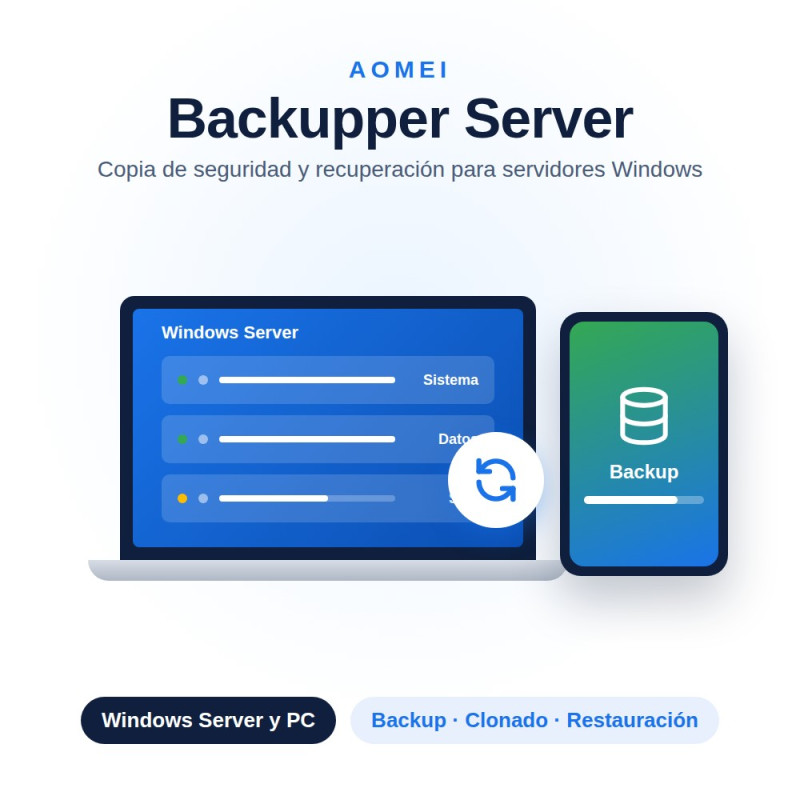
License of AOMEI Backupper Technician Plus for unlimited PCs and servers: get your original product key by email instantly to back up, clone disks and restore your clients' computers and servers. Choose annual or lifetime duration.
1 key = unlimited PCs and servers Commercial use for clients Instant delivery by email
La Tienda de las Licencias · Spanish company · Legal license under CJEU ruling C-128/11 · EUR, ARS, MXN, CLP, PEN, COP, USD.
AOMEI Backupper Technician Plus is the most complete edition of AOMEI Backupper for IT technicians and IT service companies: it includes all the backup, cloning and restore functions in the suite, with a license to install and use the program on unlimited PCs and servers, so you can offer the service commercially to your clients.
| System, disk and partition backup | Backs up Windows desktop and Windows Server with full, incremental or differential copies. |
| File and folder backup | Protects specific documents and folders without needing a full disk image. |
| Compression and encryption | Reduces backup size and protects its content with a password. |
| Automatic scheduling | Schedules daily, weekly or monthly backups with an automatic retention policy. |
| Disk-to-SSD cloning | Migrates any computer or server to a new disk or SSD without reinstalling anything. |
| Universal restore | Restores a system on a machine with different hardware without boot errors. |
| Bare metal recovery | Recovers an entire computer or server from scratch, even onto a brand-new disk with no operating system. |
| Commercial and unlimited use | Install and use the program on as many client PCs and servers as you need. |
| Server | Technician | Technician Plus | |
| Number of licenses | 1 server | Unlimited PCs | Unlimited PCs and servers |
| Designed for | A single server of your own | IT technicians servicing clients' PCs | IT technicians servicing clients' PCs and servers |
| Commercial use for clients | No | Yes | Yes |
| Operating system | Windows Server 2022, 2019, 2016 and 2012 (R2), plus Windows 11, 10, 8.1 and 7 for desktop. |
| Compatible disks | HDD, SSD, hardware RAID arrays and network drives (NAS). |
| File systems | NTFS, FAT32 and exFAT. |
| Boot | Compatible with UEFI and traditional BIOS. |
This listing includes both durations of AOMEI Backupper Technician Plus for unlimited PCs and servers: choose 1 year or a lifetime license above and the price updates automatically. If you only need to cover desktop PCs with no servers, the Technician edition is more affordable.
Yes. The Court of Justice of the EU ruling (case C-128/11, UsedSoft vs. Oracle, July 2012) establishes that reselling software licenses is legal in the EU as long as the first purchaser has deactivated their copy. La Tienda de las Licencias is a registered Spanish company that issues an official invoice and offers a lifetime warranty.
Yes. Unlike Technician (PCs only), Technician Plus covers both desktop PCs and Windows servers without limit, ideal for IT service companies managing mixed infrastructures.
Yes, it is compatible with disks configured in hardware RAID, as well as HDD, SSD and network drives.
Yes. The universal restore function adapts the necessary drivers so the system boots correctly on a machine or server with hardware different from the original.
No. You can use it on as many client PCs and servers as you need during the contracted period (annual) or indefinitely (lifetime license).
Are you an IT company, computer store or reseller? Get exclusive discounts across our whole catalog. Available for distributors in Spain and Latin America. Request access to the distributor program
Specific References
License of AOMEI Backupper Technician Plus for unlimited PCs and servers: get your original product key by email instantly to back up, clone disks and restore your clients' computers and servers. Choose annual or lifetime duration.
1 key = unlimited PCs and servers Commercial use for clients Instant delivery by email
La Tienda de las Licencias · Spanish company · Legal license under CJEU ruling C-128/11 · EUR, ARS, MXN, CLP, PEN, COP, USD.