


 WINDOWS
 Office
 Windows Server
 Antivirus
 Utilities
 Professional Software
 PACKS
 Plantillas Excel
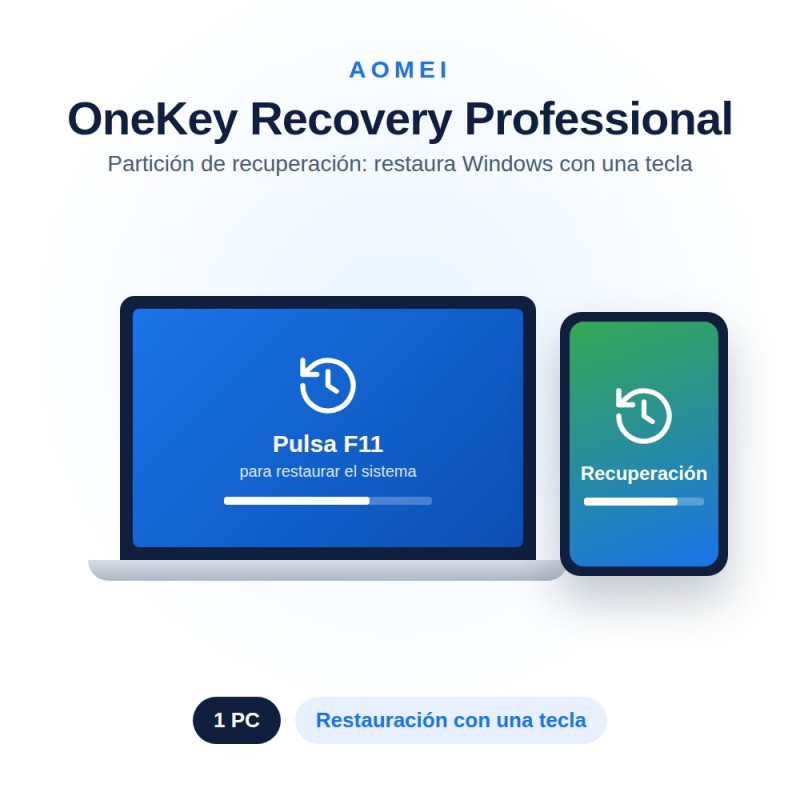
License of AOMEI OneKey Recovery Professional for 1 PC, lifetime: get your original product key by email instantly to create a hidden recovery partition and restore Windows with one click, no USB or DVD needed.
1 key = 1 PCInstant delivery by emailOne-time paymentLifetime license
La Tienda de las Licencias · Spanish company · Legal license under CJEU ruling C-128/11 · EUR, ARS, MXN, CLP, PEN, COP, USD.
AOMEI OneKey Recovery Professional lets you create a hidden recovery partition on your own disk and restore Windows with a single click or a key press at boot, with no USB or installation DVD needed. It's the manufacturer-independent alternative to the branded recovery systems built into laptops and desktops.
| Hidden recovery partition | Stores a full system image in a reserved partition on your own disk, no external drives needed. |
| One-click backup | Backs up Windows, your programs and system settings with a single action. |
| Backup image compression | Reduces the size of the backup to take up less disk space. |
| Update the backup | Replaces the previous image with a new one without needing extra space. |
| Hotkey restore | Press F11 (or the key you set) at boot to restore Windows without a boot USB or DVD. |
| Restore without a bootable system | Recovers the system even if Windows won't boot, directly from the recovery partition. |
| Customize the key and menu | Change the hotkey and the text shown in the boot menu. |
| Manufacturer-independent | Works just like brand recovery systems (Lenovo, Dell, HP...) but without depending on them. |
| Intended use | Professional: Personal use on 1 PC | Technician: IT technicians and service companies | Customization: Integrators and resellers who customize the product |
| Commercial / client use | No | Yes | Yes |
| Brand customization | No | No | Yes |
| Operating system | Windows 11, Windows 10, Windows 8.1, Windows 8 and Windows 7 (32 and 64 bit) |
| Supported disks | HDD, SSD and external USB drives for exporting the backup |
| Disk space | Enough free space to create the recovery partition, varying with the size of the installed system |
| File system | NTFS |
Step 1: Purchase and receive your license key
You receive your original product key by email instantly after completing payment.
Step 2: Download the installer
Download AOMEI OneKey Recovery from the manufacturer's official website.
Step 3: Install the program
Install AOMEI OneKey Recovery on your PC following the installation wizard.
Step 4: Activate your license and create your recovery partition
Enter your product key to unlock all Pro features and create your first OneKey backup.
This listing is the AOMEI OneKey Recovery Professional license for 1 PC, lifetime and one-time payment. An annual license option also exists: ask us if you need a different combination of devices and duration. If you're an IT technician or need to customize the product with your own brand, ask us about the Technician or Customization editions.
Is it legal to buy this license?
Yes. The Court of Justice of the EU ruling (case C-128/11, UsedSoft vs. Oracle, July 2012) establishes that reselling software licenses is legal in the EU, as long as the first buyer has deactivated their copy. La Tienda de las Licencias is a registered Spanish company that issues an official invoice and offers a lifetime warranty.
What's the difference between OneKey Recovery and a normal backup?
A traditional backup is stored on an external drive or in the cloud and you need boot media to restore it. OneKey Recovery stores the image in a reserved partition on your own disk and lets you restore the system by pressing a key at boot, with no USB or DVD needed.
Do I need a boot USB to recover the system?
No. With OneKey System Recovery you can restore your computer by pressing F11 (or whichever key you've set) during boot, directly from the recovery partition created on your disk. The program also lets you create a USB or CD/DVD boot media as an optional alternative.
What happens if I delete or format the recovery partition?
If you delete the recovery partition you'll lose the backup stored on it and will need to create a new one from AOMEI OneKey Recovery. That's why it's recommended to also export a copy to an external drive for extra safety.
Does it work on laptops from brands like Lenovo, Dell or HP that already have their own recovery system?
Yes. AOMEI OneKey Recovery works independently of the manufacturer, so you can use it even if your computer already includes a branded recovery system, or as a replacement if that original partition is no longer available.
Are you an IT company, computer store or reseller? Get exclusive discounts across our entire catalog. Available for distributors in Spain and Latin America. Request access to the distributor program
Specific References
License of AOMEI OneKey Recovery Professional for 1 PC, lifetime: get your original product key by email instantly to create a hidden recovery partition and restore Windows with one click, no USB or DVD needed.
1 key = 1 PCInstant delivery by emailOne-time paymentLifetime license
La Tienda de las Licencias · Spanish company · Legal license under CJEU ruling C-128/11 · EUR, ARS, MXN, CLP, PEN, COP, USD.