


 WINDOWS
 Office
 Windows Server
 Antivirus
 Utilities
 Professional Software
 PACKS
 Plantillas Excel
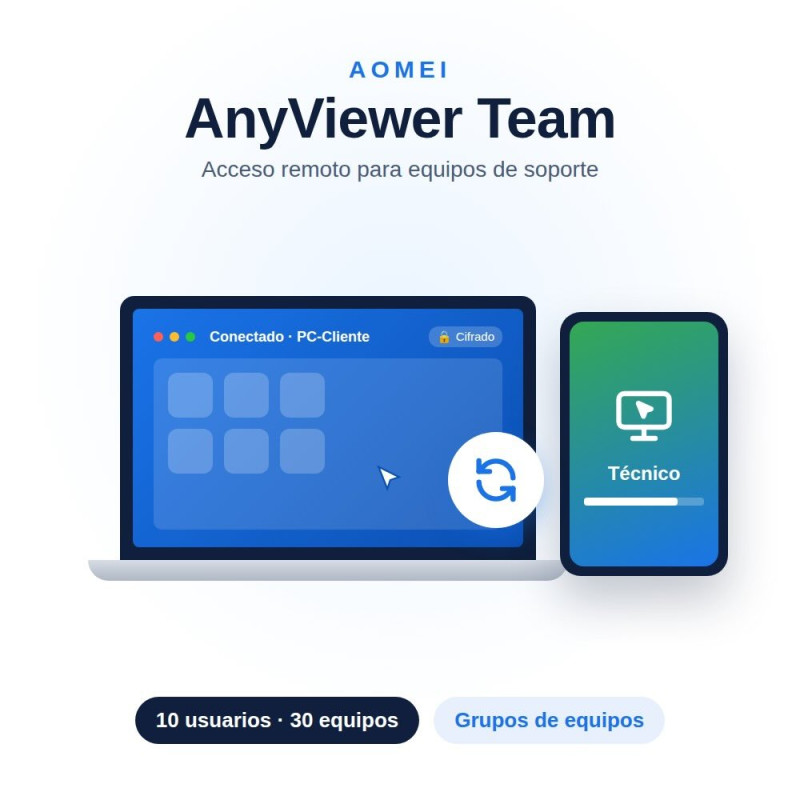
AnyViewer Team license: cloud-based remote access and PC control software for teams, with up to 10 licensed users, 30 login devices and 200 simultaneous connections. Account and activation details delivered by email instantly.
10 licensed usersChoose the duration: 1, 3 or 6 yearsInstant email delivery
La Tienda de las Licencias · Spanish company · Official invoicing and support in your language · EUR, ARS, MXN, CLP, PEN, COP, USD.
| Licensed users | 10 |
|---|---|
| Login devices | 30 |
| Devices connected at once | 200 |
| Simultaneous sessions and channels | Unlimited |
| Screen wall | 3 (9 devices each) |
|---|---|
| Create device groups | Yes |
| Deployed team devices | 30 |
| MSI mass deployment | Not included (available in Enterprise) |
| Role permission management | Not included (available in Enterprise) |
| Licensed users | 1 | 10 | 30 |
|---|---|---|---|
| Login devices | 5 | 30 | 100 |
| Devices connected at once | 30 | 200 | 500 |
| Screen wall | 1 (2 devices) | 3 (9 devices) | Unlimited (24 devices) |
| Create groups | No | Yes | Yes |
| MSI mass deployment | No | No | Yes |
| Role permission management | No | No | Yes |
| Desktop control | Windows 7 SP1 or later, macOS 10.10 or later |
|---|---|
| Mobile viewing | Android and iOS apps |
| Internet connection | Required on all devices |
Specific References
AnyViewer Team license: cloud-based remote access and PC control software for teams, with up to 10 licensed users, 30 login devices and 200 simultaneous connections. Account and activation details delivered by email instantly.
10 licensed usersChoose the duration: 1, 3 or 6 yearsInstant email delivery
La Tienda de las Licencias · Spanish company · Official invoicing and support in your language · EUR, ARS, MXN, CLP, PEN, COP, USD.